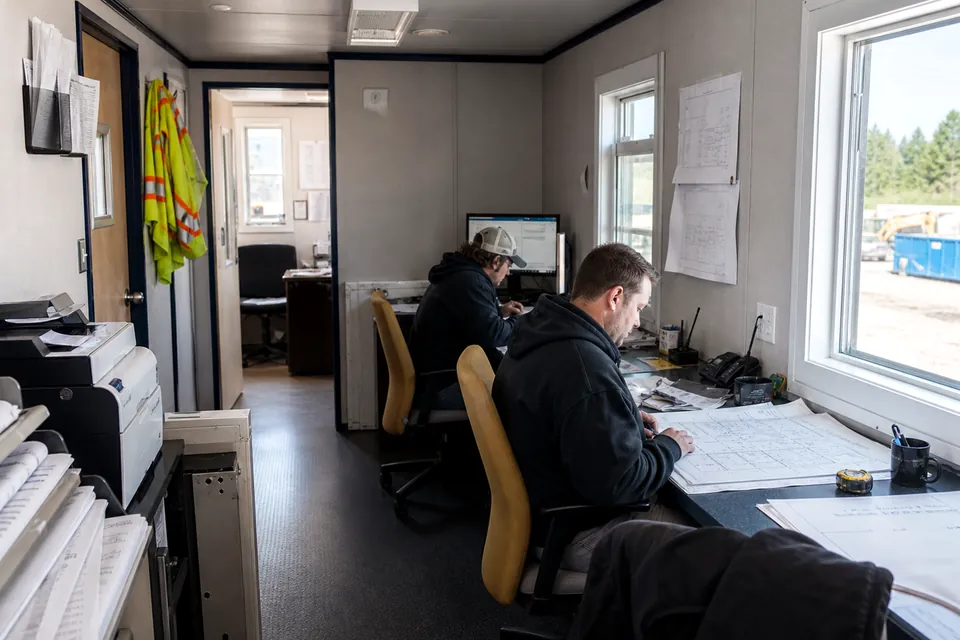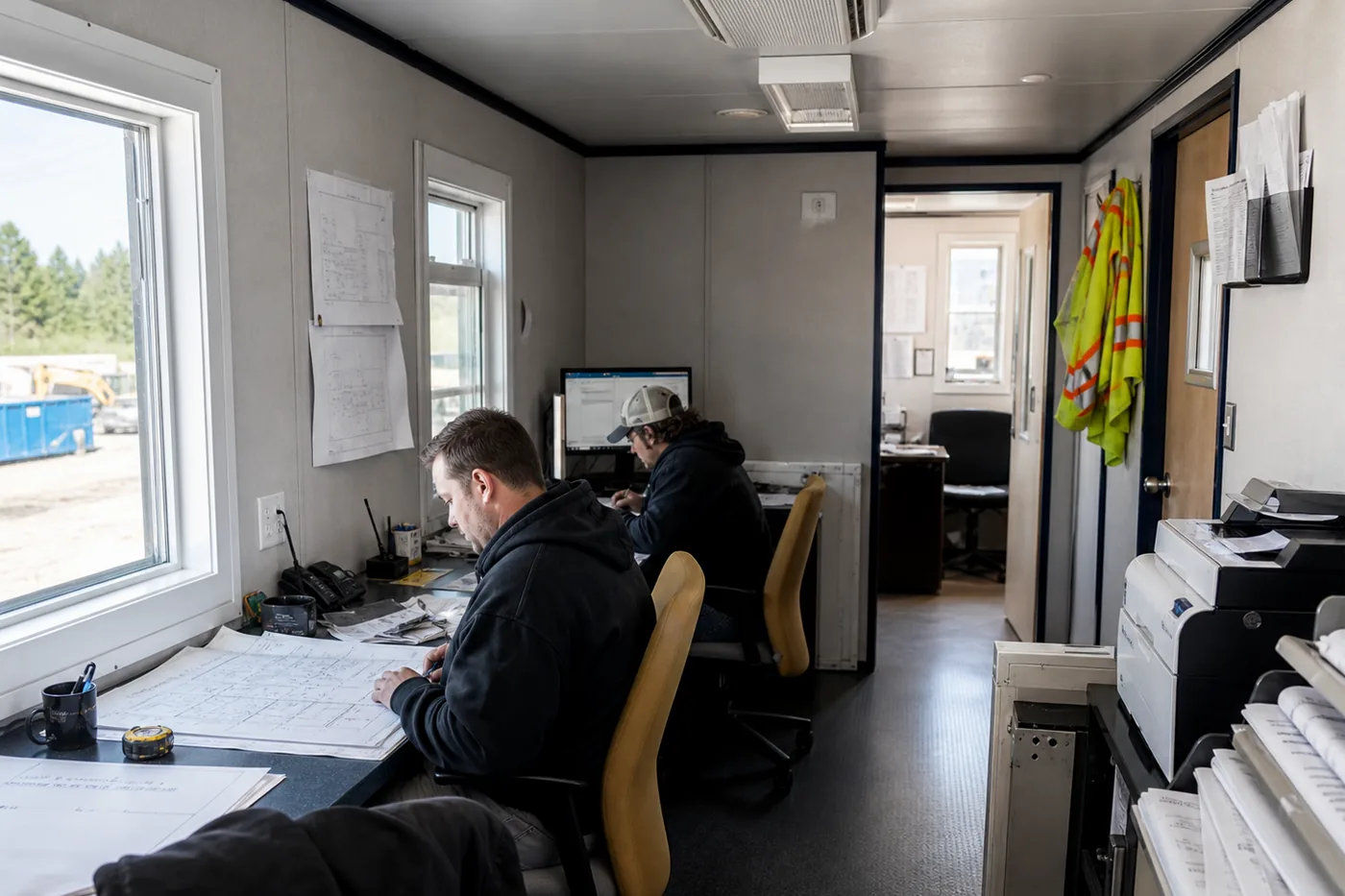
Portable business offices for renovations, expansions, branch operations, temporary teams and continuity planning. Use this guide to turn that need into a written scope suppliers can price on the same basis.
1. Describe the work before choosing a unit
Record the activities inside the office, regular and peak users, hours, visitors, private conversations, meetings, files, supplies and equipment. State whether the space supports one controlled worksite or receives the public. For this category, begin with renovation swing space and seasonal and project teams, then remove anything the assignment does not actually require.
2. Set the honest period of need
Include setup before staff arrive, the operational period, possible schedule extension and closeout after the last workday. A short, defined assignment may fit rental. Longer or repeated use may justify purchasing. Compare the expected term and a credible delayed term so the commercial choice is not based on a best-case calendar.
3. Test the floor plan at full scale
Place furniture, storage and equipment on the actual proposed drawing. Show doors, circulation, HVAC equipment and the busiest hour. For mobile offices for business, pay particular attention to:
- Professional arrival and reception
- Private offices and meeting space
- Furniture, files and technology
- Customer and employee accessibility
4. Compare size and configuration
Exterior dimensions are a useful shortlist, not a capacity promise. Compare compact 8×20 and 8×24 offices, an 8×36 or 10×44 construction trailer, larger 12-foot-wide layouts, and a 24×60 portable classroom or other multi-section building only where it fits the use. Wider and multi-section buildings can create better rooms but require more delivery staging, support and setup. Request the actual plan for the offered unit.
Use one brief for every supplier.
Share the ZIP, use, term, size range, layout, features and target arrival date.
5. Qualify the delivery route and setting area
Walk the carrier path from the street to the final position. Measure gates and turns; note slope, overhead lines, trees, soft ground, active traffic and staging. Select a stable, drained location with enough room for the trailer, supports, stairs or ramp, utilities and setup work. Preserve that access for pickup.
6. Coordinate entries, power and other services
Identify who supplies and installs stairs, landings, ramps, anchors, power, communications, water and waste. Obtain the unit’s service information and add owner equipment loads. For this mobile-office type, resolve these items early:
- Power, internet and communications
- Comfortable HVAC and lighting
- Security and controlled access
- Optional plumbing and restrooms
7. Confirm property and use approvals
Ask the authority responsible for the exact address about zoning, placement, use, duration, utilities, accessibility, permits and inspections. Education, childcare, salon and public-facing uses can raise requirements beyond an ordinary controlled construction office. Private property agreements or owner restrictions may also apply.
8. Define acceptable unit condition
For used, refurbished or rental inventory, ask for the actual unit, condition description, available photographs and service or repair scope. Inspect water intrusion, floor, frame, doors, windows, HVAC, electrical and plumbing as relevant. Record existing condition before use. If substitution is allowed, require written approval of an equal or better plan and condition.
9. Normalize the complete price
| Price area | What to capture |
|---|---|
| Office | Size, layout, condition, monthly rent or purchase price and included equipment. |
| Delivery | Origin, mileage, permits, escorts, wait time and exact-address assumptions. |
| Setup | Positioning, leveling, supports, anchoring, sections, entries and utilities. |
| Use period | Minimum term, recurring options, taxes, service and extension rate. |
| Closeout | Notice, cleaning, damage, pickup, disconnection and site restoration. |
10. Read the agreement as an operating document
Confirm billing start, payment, deposit, minimum term, extension, early return, service calls, damage standards, insurance, modifications, access and pickup. Assign routine care and emergency response. For a purchase, confirm ownership documents, condition acceptance, warranties and responsibility after delivery.
11. Evaluate execution, not just inventory
Ask who confirms the site, schedules the carrier, completes setup and handles service. Verify the offered unit’s source and availability. Review how delays, unsuitable access, repairs and substitutions are communicated. A dependable process is especially important when several contractors must finish work before staff can enter.
12. Send a pricing-ready business offices request
Include the delivery ZIP and exact address when available, intended use, term, staff and visitor count, preferred size or capacity, room list, restroom, HVAC, furnishings, power and data, access photos, setting surface, required entry, target delivery and required removal date. Ask every supplier to state inclusions, exclusions, assumptions and expiration.
Four questions to close before ordering
- Is the need temporary, recurring or long-term?
- Will customers enter the mobile office?
- How much privacy and meeting space is required?
- Would rental or purchase produce better value?